What is CAPTCHA and why is it used?
See what CAPTCHA checks, where websites use it to reduce automated submissions, and how a challenge can add friction. We explain common challenge types and why accessibility belongs in the design.
Read article →Explore challenge selection, API integration, and form testing. Practical guidance for developers and teams protecting their own websites and validating integrations.
Browse the library: 100 articlesSee what CAPTCHA checks, where websites use it to reduce automated submissions, and how a challenge can add friction. We explain common challenge types and why accessibility belongs in the design.
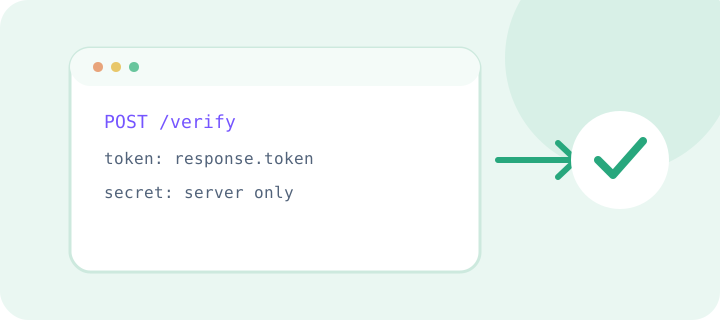
Read article →Learn to add the widget, verify its token on your server, and keep the secret key safe. This setup plan covers network errors, retries, and configuration checks before release.
Read article →Check successful completion, rejection, token expiry, repeat submissions, and network loss. This test-environment checklist helps confirm the form stays usable while the server rejects unverified requests.
Read article →Rate limits control request frequency, while CAPTCHA adds a check to selected risky flows. Learn how to combine them, set clear limits, and avoid blocking visitors who share a network.
Read article →Clear instructions, keyboard support, and an alternative verification method make forms easier for more people. Review the challenge, error messages, and retry flow to remove avoidable barriers.
Read article →Check the domain and keys, token lifetime, and server verification request. This troubleshooting sequence helps find the cause without disabling protection or exposing secrets in logs.
Read article →